
I Invited a Lobster into My Laptop (Safely)
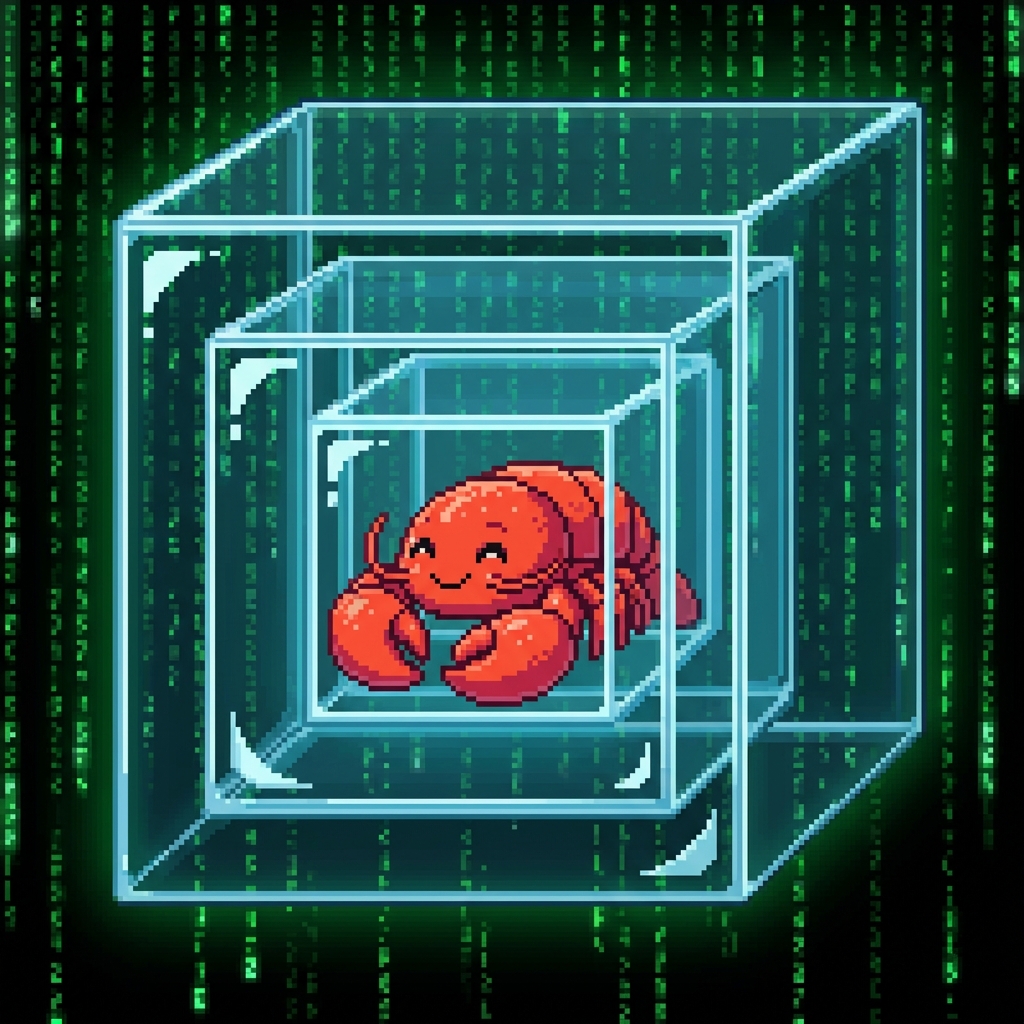
This weekend, I got obsessed with OpenClaw (formerly Clawdbot, briefly Moltbot). If you haven't seen it, it is—frankly—terrifying.
It is an autonomous agent that runs locally on your machine with root-level system capabilities. It can execute shell commands, manage files, control browsers, and even interface with chat apps. It doesn't just call APIs; it owns the prompt.
As a Systems Architect, my first reaction was: "This is a Remote Code Execution (RCE) nightmare by design."
My second reaction was: "I have to try it."
The Paradox of Autonomous Agents
To truly understand the future of "Agentic OS," you cannot just read about it. You have to let it steer. But how do you hand over the keys to your digital life without crashing the car?
I spent Saturday reading documentation and watching the chaos unfold online. I decided that if I was going to let this Lobster into my home, I needed a cage. A really, really secure cage.
The 5-Layer "Lobster Trap" Architecture
I didn't just pip install it on my main workstation. I built a Defense-in-Depth containment system.
Layer 1: Hardware Air Gap (The "Lazy" Zero Trust)
I grabbed a spare laptop I had lying around. I already had it formatted with clean Windows 11, so I didn't even have to prep it.
Security Value: If it bricks the OS, I lose nothing.
Layer 2: Containerization (Docker)
I didn't run the agent on the Windows host. I spun up a Linux Docker container.
The agent lives inside the container. It "thinks" the container is the computer.
Security Value: File system isolation. It can't read my host Documents folder because I didn't mount it. Unless it burns a zero-day kernel exploit to jump the container namespaces, it's trapped in its Linux box.
Layer 3: Skill Minimalization
OpenClaw comes with dozens of skills. I turned them all off except one: MCPporter.
This is the bridge that allows it to use Model Context Protocol tools.
Security Value: Least Privilege Principle. It can't "open browser" or "read email" unless I explicitly hand it a tool to do so.
Layer 4: The Proxy (Zapier)
This was the masterstroke. I didn't give it access to my Google Calendar or Slack API keys.
I connected it to Zapier.
If the Lobster wants to send a message, it asks Zapier. Zapier checks my rules, and if it looks okay, Zapier sends the message.
Security Value: Blast Radius Containment. If the agent compromises the key, I only have one webhook key to worry about (and revoke). It never touches my "expensive" production credentials.
Layer 5: The "Precious" Key Isolation
I used a dedicated, spending-capped API key for the LLM. My "precious" main production keys never touched this machine.
I'm using Kimi 2.5 here (7-day free trial). I can decide later if I switch or pay for a cheaper plan. Let's see how it behaves.
Security Value: Financial containment.
The Result: A Happy Little Lobster
With the shields up, I fired it up.
And it worked. I watched the logs scroll by as the agent navigated its tiny, restricted world, performing tasks with surprising competence. It was like watching a dangerous predator swim harmlessly in a zoo aquarium.
It was a good quick journey—not just to learn how to install it, but to feel the visceral difference between "calling an API" and "granting autonomy."
What's Next?
Now that the cage is built, the question changes.
I have a secure, relentless, autonomous worker ready to execute commands 24/7.
I know there are "better" (more boring) ways to have an autonomous agent work productively, but hey—why not touch the hype sometimes?
What should it do?
(I'm currently taking suggestions for use cases that justify a dedicated laptop-server. Let me know in the comments.)
Sources
- OpenClaw Repository: github.com/openclaw/openclaw
- Inspiration Video 1: YouTube Link
- Inspiration Video 2: YouTube Link
- Model Context Protocol (MCP): modelcontextprotocol.io